
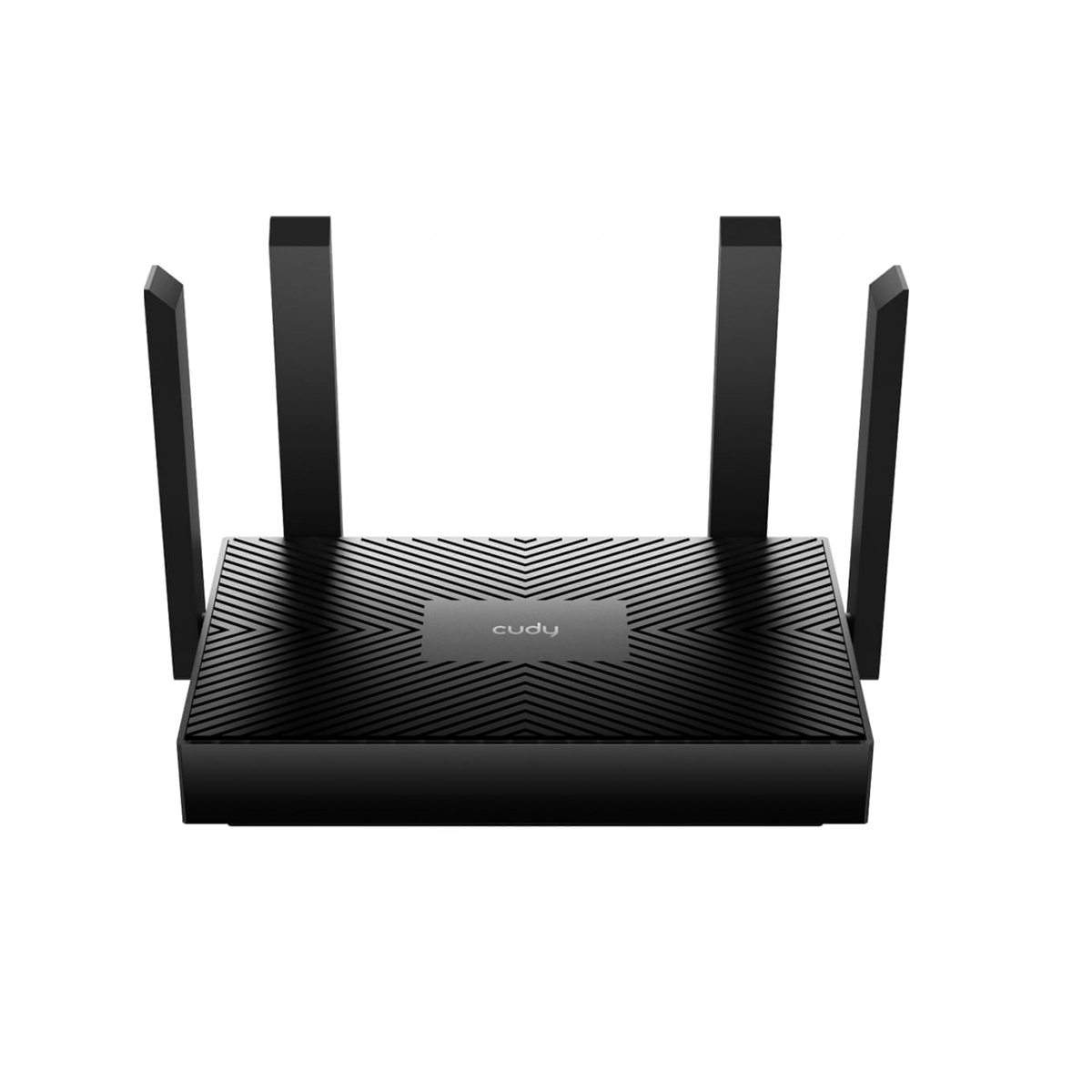

The Cudy WR1500 AX1500 WiFi 6 Router is ideal for users looking to upgrade from an older WiFi 4 or WiFi 5 router. It is suitable for home internet, small offices, online gaming, 4K streaming, work-from-home setups, smart homes and households with multiple connected devices.
Key Features
- AX1500 WiFi 6 Router – Modern WiFi 6 technology for improved wireless performance.
- Dual-Band WiFi – Connect using 2.4 GHz or 5 GHz wireless networks.
- Up to 1500 Mbps Wireless Speed – Up to 1201 Mbps on 5 GHz and 300 Mbps on 2.4 GHz.
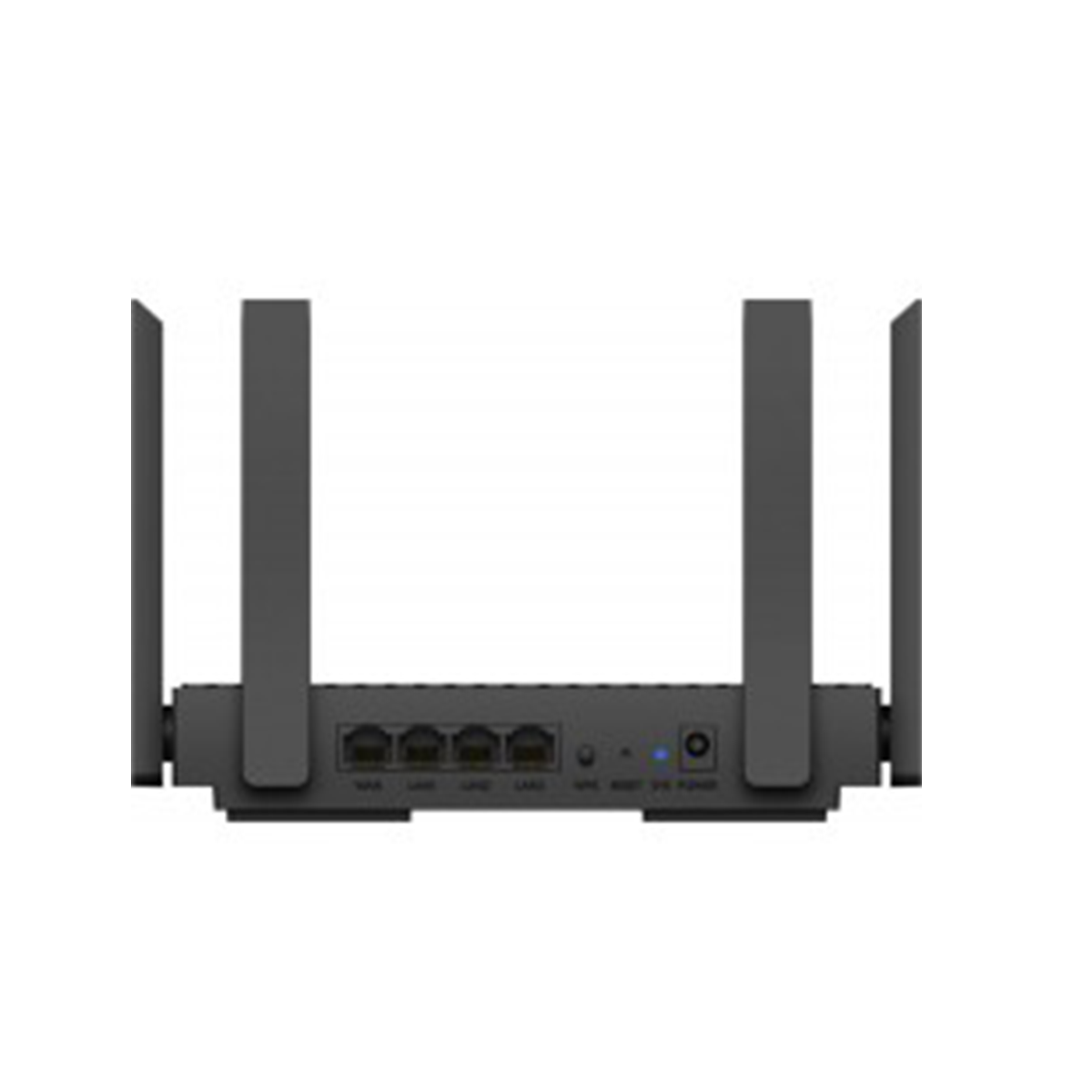
- Gigabit Ethernet – Fast and reliable wired network connections.
- Mesh WiFi Support – Expand coverage using compatible Cudy Mesh devices.
- OFDMA Technology – Improves network efficiency when multiple devices are connected.
- MU-MIMO Technology – Helps the router communicate efficiently with multiple devices.
- Beamforming – Helps improve wireless signal coverage and connection stability.
- IPv6 Support – Compatible with modern IP networking.
- Multiple Operating Modes – Flexible configuration for different networking requirements.
- Ideal for Home & Office – Suitable for streaming, gaming, remote work, browsing and smart devices.
Specifications
| Specification | Details |
|---|---|
| Brand | Cudy |
| Model | WR1500 |
| Wireless Technology | WiFi 6 (IEEE 802.11ax) |
| WiFi Class | AX1500 |
| Wireless Bands | 2.4 GHz + 5 GHz |
| 2.4 GHz Speed | Up to 300 Mbps |
| 5 GHz Speed | Up to 1201 Mbps |
| Combined WiFi Speed | Up to 1500 Mbps |
| Ethernet Ports | Gigabit Ethernet |
| Mesh Networking | Supported |
| MU-MIMO | Supported |
| OFDMA | Supported |
| Beamforming | Supported |
| IPv6 | Supported |
| Wireless Security | WPA/WPA2/WPA3* |
| Antennas | External antennas |
| Management | Web-based management |
| Application | Home, Office, Gaming & Smart Home |
| Network Connection | Wired & Wireless |
*Security options may vary depending on firmware or hardware revision.
What’s in the Box
- Cudy WR1500 AX1500 WiFi 6 Wireless Router
- Power Adapter
- Ethernet Cable
- Quick Installation Guide